
Childcare and Work Don’t Mix Well
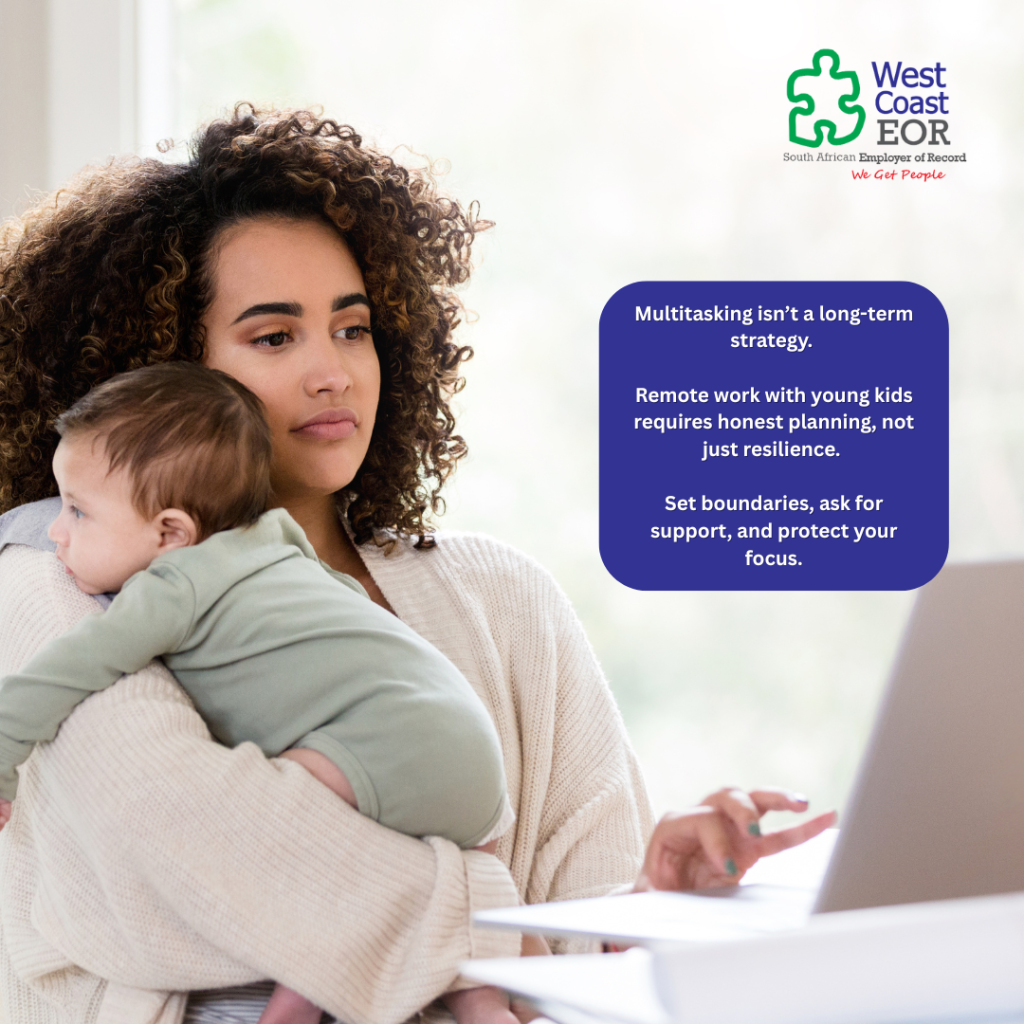
Remote work has opened doors for global employment, but it’s also blurred the lines between our professional and personal lives. For remote workers employed via an Employer of Record (EOR), the stakes can feel even higher. You’re expected to deliver results across time zones, maintain productivity, and communicate clearly with a distributed team. Now add a toddler or infant to the mix—and things can unravel fast. Why This Matters for EOR Workers Remote work doesn’t mean you can automatically manage childcare while working full-time. In fact, trying to do both can lead to frustration, guilt, and underperformance. When your employer is on another continent, they’re relying on your ability to be available, focused, and consistent. The reality is this: Childcare is a full-time job. So is remote work. Trying to do both simultaneously often means doing neither effectively. Strategies That Actually Work Instead of attempting the impossible, create a structure that supports both your role as a parent and a professional: Plan for support: If your children are too young for independent activities, you’ll need help—whether that’s a nanny, daycare, or a trusted family member. Coordinate shifts with your partner: Divide the day into blocks. One parent takes the morning, the other the afternoon. This ensures each of you gets focused work time. Be upfront with your employer: If you’re navigating complex childcare needs, let your manager know. Most remote-friendly companies understand—and prefer honesty over hidden chaos. Use your flexibility wisely: Start earlier or later in the day if your team allows it. Working during nap times or after bedtime can offer quiet focus hours. Block your calendar: Set clear “do not schedule” periods and use that time intentionally—for deep work or to recharge between parenting duties. The Mental Load is Real Attempting to juggle childcare while staying on top of meetings, Slack threads, and deadlines leads to cognitive overload. Over time, this drains your energy and may affect how your team perceives your commitment or reliability. Protecting time for focused work is not selfish—it’s what allows you to show up as a better parent and a more effective employee. Final Thought Remote work is flexible—but it’s not magical. If you want to be successful as an EOR employee, you need boundaries, support, and realistic expectations about what you can manage in a single day. Set yourself—and your family—up for success by giving both your roles the dedicated time they deserve. Estimated Read Time: 3 minutes
Carve Out a Space
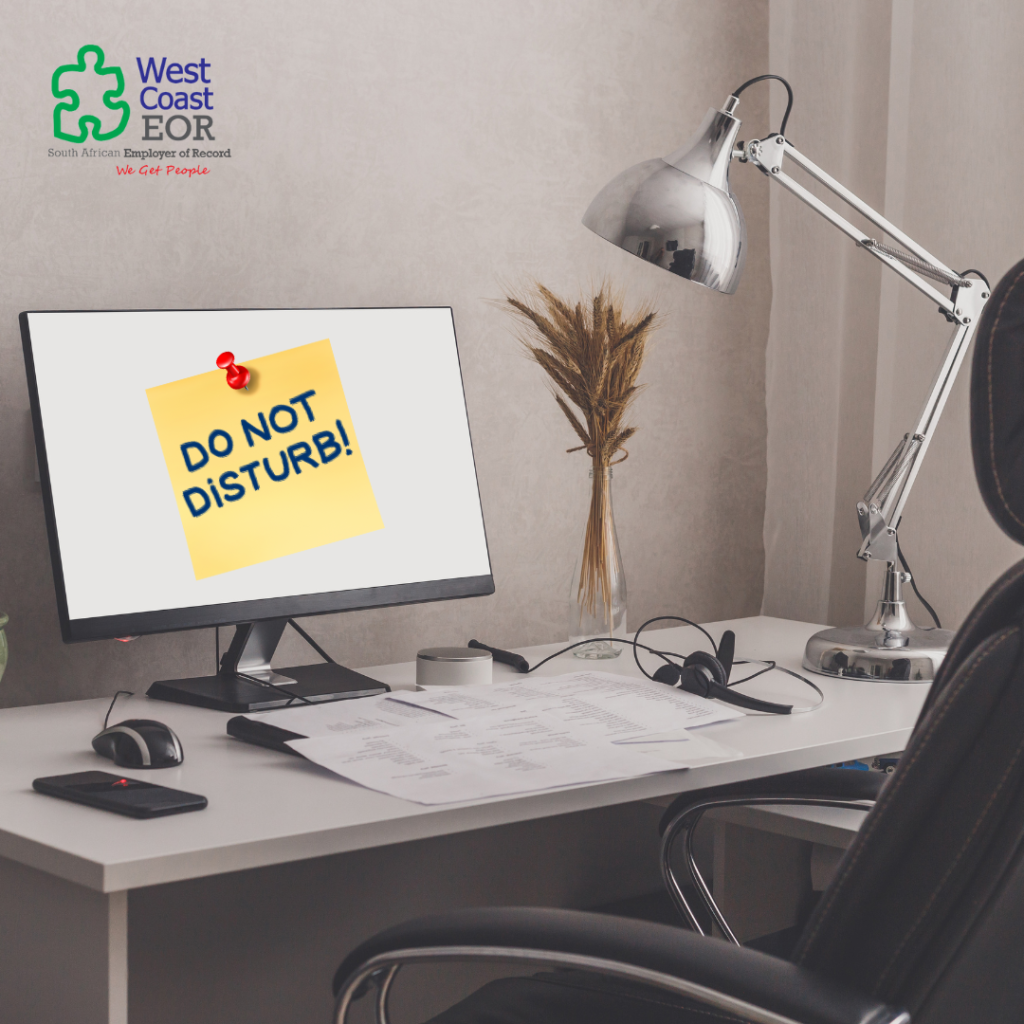
Carve Out a Space That Signals: “This Is Work” Working remotely offers flexibility, but without structure, it can quickly lead to distraction and burnout. For remote employees working via an Employer of Record (EOR), where you’re often reporting to managers in other time zones and cultures, having a professional, focused workspace isn’t just helpful, it’s essential. When you work where you live, your environment plays a critical role in how well you show up, communicate, and perform. Why Your Space Matters More Than You Think A defined work area sends a signal to your brain, and to everyone around you, that you’re in work mode. Blurring the line between “home” and “office” makes it harder to concentrate, harder to switch off, and ultimately harder to sustain productivity. When your employer is entrusting you with important work from thousands of kilometres away, creating a workspace that reflects that responsibility shows both respect and intent. Tips to Create a Focus-Friendly Environment Whether you live in a spacious house or a small flat, you can take steps to create a clear separation between your personal and professional life: Claim a consistent spot: Even if it’s just a small desk in the corner of your bedroom or lounge, make it your go-to work zone. Use physical cues: A foldable screen, rug, or different lighting can visually separate your workspace from your living space. Noise-cancelling headphones: These are especially useful in shared spaces or noisy environments and help you mentally zone in. Set up a signal system: A simple “Do Not Disturb” sign or door hanger can remind family or housemates that you’re in work mode. Keep it tidy: A clutter-free space reduces stress and helps keep you focused on the task at hand. What If You Can’t Have a Separate Room? That’s okay. Remote work isn’t about perfection, it’s about intention. Even a small nook can be transformed into a professional zone with: A laptop stand or monitor to elevate your screen Good lighting (natural is best, but a desk lamp works too) A comfortable chair that supports your posture Final Thought Your workspace is your launchpad for success. When it’s thoughtfully set up, you’ll notice a change, not just in your output, but in your mindset. You’ll feel more prepared, more in control, and more capable of delivering great work across borders and time zones. You don’t need a home office. You just need a space that says, “This is where I do my best work.” Estimated Read Time: 2 minutes
Prioritise Ergonomics
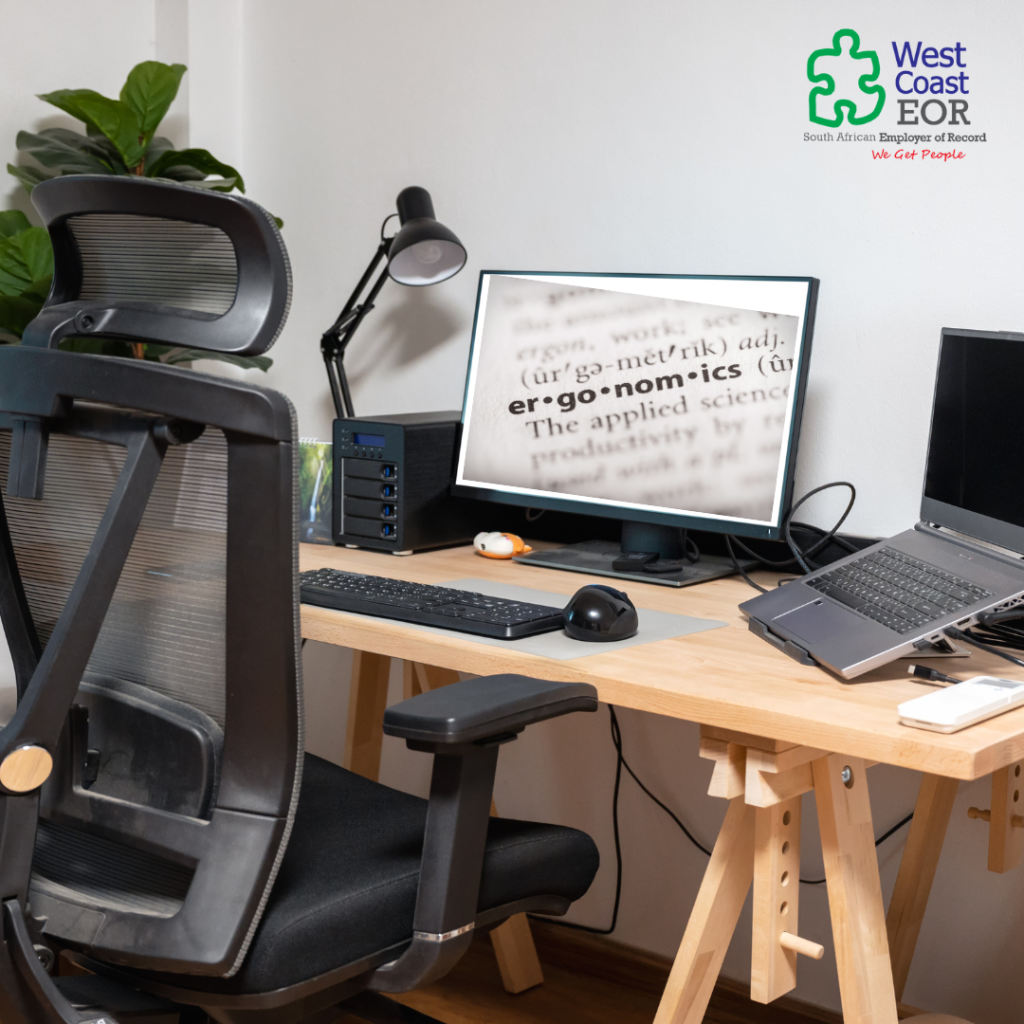
Prioritise Ergonomics: Your Body Will Thank You Working from home offers freedom, but it can come at a physical cost if your workspace isn’t set up with care. Ergonomics isn’t about luxury—it’s about health, energy, and long-term productivity. Too many remote workers make do with dining chairs, low coffee tables, or laptops hunched over couches. While these setups might work in a pinch, they quickly lead to back pain, neck strain, eye fatigue, and eventually, burnout. Why Ergonomics Matters (Especially for EOR Employees) As an Employer of Record (EOR) employee, you’re representing a company in another country—often across time zones, cultures, and expectations. That means delivering consistent performance is essential. And to do that, your body needs to be on your side. A poor setup affects your: Focus: Discomfort is distracting. Stamina: Fatigue builds up faster when your body isn’t supported. Health: Long-term repetitive strain injuries are no joke. Build a Home Office That Supports You Investing in ergonomics doesn’t have to break the bank. A few key changes go a long way: Chair with lumbar support: A good chair maintains the natural curve of your spine. Monitor or laptop stand: Your screen should be at eye level to reduce neck strain. External keyboard and mouse: These help maintain wrist alignment and prevent overuse injuries. Good lighting: Reduces eye strain and improves focus. Footrest (if needed): Keeps your hips and knees at a 90-degree angle. Even if you work from a small space or shared room, these changes can transform how you feel at the end of the day. Bonus Tips for Remote Comfort Stand and stretch every hour. Try a sit-stand desk if you have the space. Add a plant or personal item to create a calming vibe. Use blue light filters or glasses if you stare at screens all day. Final Thought You wouldn’t accept a broken chair or flickering light in a physical office. Don’t accept it at home either. 📌 Your body is your most important work tool. Take care of it. Estimated Read Time: 3 minutes
Working from Home as an EOR Employee
The rise of remote work has unlocked global career opportunities that were unthinkable a decade ago. Today, through Employer of Record (EOR) arrangements, professionals can work for companies across continents—from Berlin to Sydney—without relocating or jumping through visa hoops. But this exciting model also comes with its own set of challenges. Working from home, particularly as an EOR employee, isn’t just about having a reliable internet connection. It requires structure, boundaries, and a mindset shift. Freedom with Responsibility As an EOR employee, you’re trusted to deliver results without constant supervision. This level of autonomy is empowering—but it can also be overwhelming if you’re not prepared. You represent your employer in a different country and culture, often working in a different time zone. That makes visibility, communication, and professionalism even more critical. The solution? Treat your home setup as if it were an extension of your employer’s office. Create a Space That Supports Focus A makeshift desk in the corner of your bedroom may work in the short term, but it’s not ideal long-term. If you want to thrive remotely, invest in a proper workspace: A comfortable, ergonomic chair A desk setup that supports posture and screen height Noise-canceling headphones Good lighting A well-thought-out space reduces fatigue, boosts focus, and communicates to others (and yourself) that you’re in work mode. Embrace Structure Remote work is flexible—but too much flexibility can lead to burnout or inconsistency. Most EOR employers will expect core hour availability, regular updates, and accountability. Try: Setting fixed start and end times Taking scheduled breaks Tracking tasks with simple tools like Trello, Notion, or Google Sheets Logging accomplishments weekly to keep yourself and your team in sync Communication Is Your Superpower When you’re not physically present, your words are what make you visible. This is especially important across time zones and cultures. Don’t wait for someone to check in on you—lead with clarity. Send progress updates regularly Proactively ask for feedback Speak up in meetings (camera on when appropriate) Clarify timelines and expectations Working From Home ≠ Working Alone Isolation can creep in over time. Make a conscious effort to connect: Schedule virtual coffee chats Join a coworking space occasionally Create rituals that start and end your day You might be working from your living room, but you’re still part of a global team. Keep the human connection alive. Final Thought Working from home as an EOR employee is more than a logistical arrangement—it’s a lifestyle that blends autonomy with accountability. When approached intentionally, it offers incredible freedom, flexibility, and career growth. 📌 Start today by assessing your workspace, routine, and communication habits. Are they helping or hindering your success? Want more tips? Stay tuned for our full remote work series—or continue to the next post: Prioritise Ergonomics: Your Body Will Thank You. Estimated Read Time: 3 minutes